











Accessing your Bongobongo account is straightforward once you know where to look and what to expect. This page walks you through the sign-in process, explains which credentials you need, and covers common problems that can block access. Whether you are logging in for the first time after registration or returning after a break, use the official Bongobongo website at bongo-bongo-zm.com. Authentication takes place through a secure connection, but you should still protect your password and check the address before entering personal details.
How to Access Your Bongobongo Account
Open an up-to-date browser and enter the official site address directly rather than following an unfamiliar message or advertisement. On the homepage, locate the Login button, usually positioned in the top-right area, and select it to open the sign-in form. Check that the page has loaded fully before entering any details.
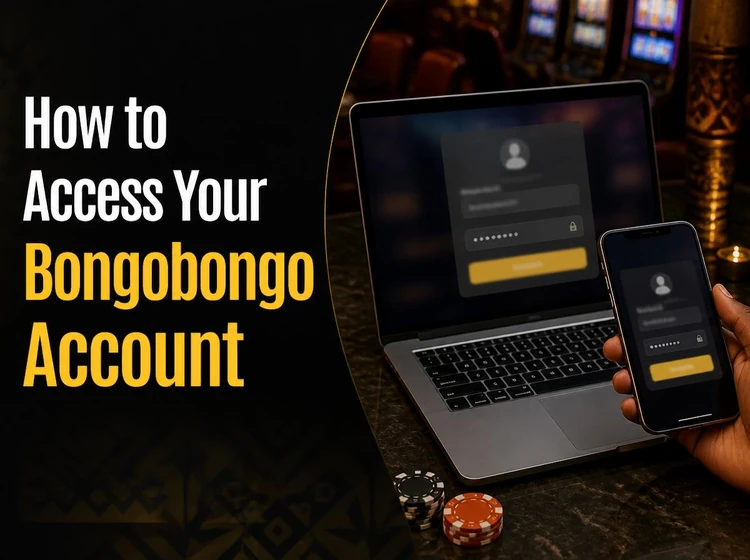
The form asks for the phone number or username used during registration, together with the account password. Enter both carefully and watch for spaces added by autofill. If the form accepts a country code, use the same format that was supplied when the account was created. Select the confirmation or Login control once, then wait for the response instead of submitting repeatedly.
After the credentials are verified, your personal account dashboard should open. You can then review the balance, check account activity, view bet history, adjust available settings, or use other features provided for your account. A stable connection normally makes the process quick. If you have not registered yet, the Bongobongo homepage is the appropriate place to begin.
Login Credentials
Bongobongo uses a phone number or username together with a password for account access. The phone number must match the registration record, including the country code if the form requires one. Usernames and passwords can also be affected by capitalisation, so enter them exactly as created.
Keep these details private and store them in a password manager or another secure location. Avoid saving them in a public computer or a phone used by several people. Autofill is useful on a personal device, but check the saved entry after changing a password. If you suspect that someone else has accessed the account, change the password and use the contact page to seek assistance.
Resetting Your Password
Password recovery is appropriate when the original password has been forgotten, rejected after several careful attempts, or exposed to another person. On the sign-in form, select the Forgot password? option if it is displayed. The recovery process may ask for the phone number linked to the account so the service can check that the request belongs to the account holder.
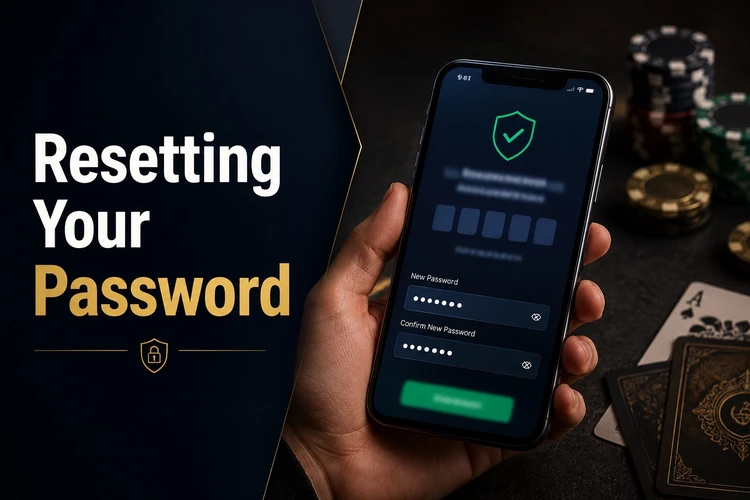
Follow each verification instruction shown on screen and use only a code or link sent through the service's stated recovery method. Never forward a reset code to another person. Create a new password that is long, unique, and difficult to guess; combining words with numbers and symbols is more useful than making a short password complicated. Do not reuse a password from email, social media, or another betting account.
Save the new password only in a private password manager if you use one, then return to the sign-in page and enter the updated details. If the recovery message does not arrive, check the phone number, signal, blocked messages, and any delay in delivery before starting several new requests. Repeated attempts can make it harder to identify which code is current.
Troubleshooting Login Problems
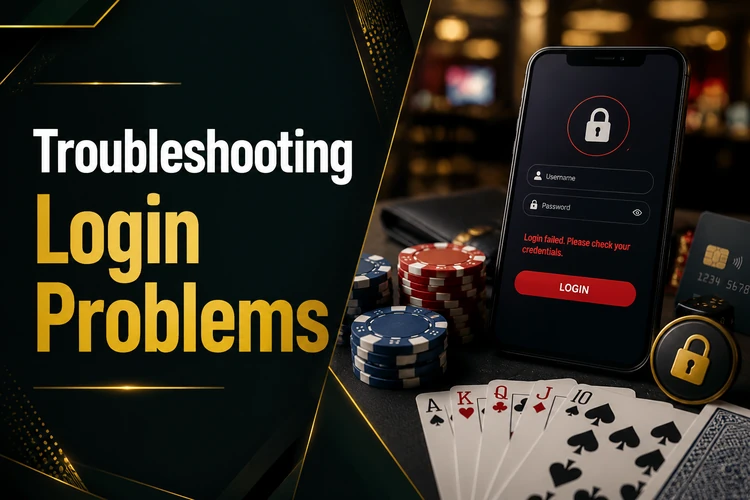
Most access issues have a simple cause. If the password is rejected, check Caps Lock, the keyboard layout, and every character before trying again. An incorrect username or phone number can produce a similar error, so compare it with the details used during registration. If you no longer remember the password, use recovery instead of guessing repeatedly, because repeated failed attempts may lead to a temporary security restriction.
Browser problems can also interfere with the form. Old cookies, cached files, or an extension may prevent a page element from loading correctly. Clear the relevant site data, reload the page, and try a private browsing window. Testing an alternative current browser can show whether the issue is limited to the original browser. Do not clear data while relying on an unsaved password or recovery message.
A weak mobile signal or unstable Wi-Fi can cause a timeout after you submit the form. Move to a stronger connection and wait for the page to finish loading before trying again. If the website is temporarily unavailable because of maintenance or a technical fault, note the time and retry later. Avoid entering your credentials into unofficial pages that appear while the site is unavailable.
Mobile Login Experience
The mobile version of the Bongobongo site can be opened in a current browser on an Android or iOS phone. The layout adapts to the smaller screen, although the Login control may be placed inside a compact menu depending on the browser width. Rotate the phone or zoom out slightly if a field is hidden, but avoid using an old browser that no longer receives security updates.
Mobile browsers may offer to save credentials after a successful sign-in. This can speed up future access on a personal, passcode-protected phone, but it is not suitable for a shared or borrowed device. The Bongobongo app page can be checked if you prefer an app-based experience. Review permissions and download instructions carefully, and sign out when another person may use the phone.
Protecting Your Bongobongo Account
Use a strong, unique password and do not base it on your name, birthday, phone number, or an obvious word. Changing it after suspected exposure is more useful than changing it on an arbitrary schedule. Keep the phone number or recovery method connected to the account under your control, and do not share passwords, verification codes, or screenshots of account information.
Always check the address in the browser before signing in. Phishing pages can copy familiar colours and layouts while collecting whatever you type. On a shared computer or someone else's phone, sign out completely when finished and do not allow the browser to save your credentials. If you notice unfamiliar account activity, stop using the session, update the password, and contact support.
Tips for Faster Login
A few practical habits reduce delays without weakening security. Keep the browser updated, use a stable Wi-Fi or mobile data connection, and make sure saved credentials reflect the latest password. Check the keyboard language before typing, particularly on mobile devices where the layout can change unexpectedly. Let the page load completely before selecting the Login button.
If a submission appears to stall, wait for a clear response before pressing the button again. Confirm that the phone has enough battery and that date and time settings are automatic, since incorrect device settings can sometimes affect secure connections. For guidance on safer play and account limits, review the responsible gambling information. 18+
FAQ
Open bongo-bongo-zm.com in a current browser, select the Login button, and enter the phone number or username used during registration. Add the matching password and submit the form once. After successful verification, the account dashboard should open.
Use the Forgot password? option on the sign-in form, if it is displayed. Enter the registered phone number and follow the verification instructions shown by the service. Then create a new password and return to the sign-in page.
Check for typing errors, Caps Lock, the keyboard language, and extra spaces inserted by autofill. Make sure you are using the latest password rather than one from before a reset. If careful attempts fail, use the recovery process instead of repeatedly guessing.
Yes. Open the site in an up-to-date browser on an Android or iOS phone and use the same credentials as on desktop. Saving credentials is safest only on a personal device protected by a screen lock. You can also review the available app information if you prefer that format.
The sign-in process uses a secure connection to protect data sent through the form. You should also enter details only on the official website, use a unique password, keep your phone private, and sign out after using a shared device.
Select Forgot password? on the login form and provide the phone number associated with the account. Complete the verification steps, create a new unique password, and sign in again. Never share a recovery code or reset link with anyone.