











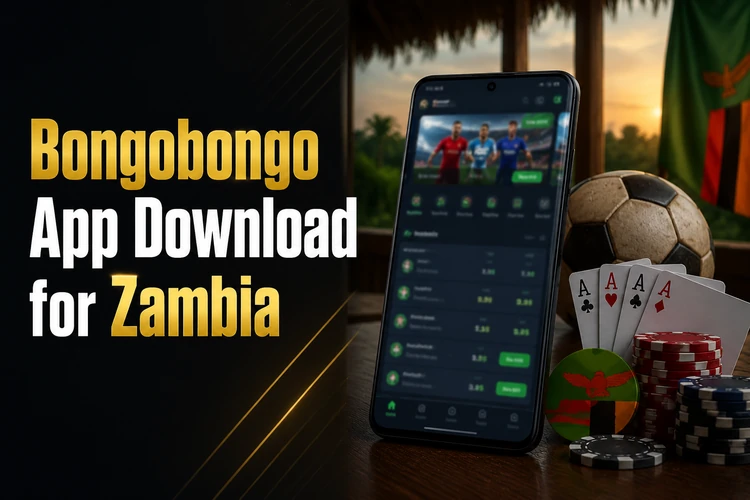
The Bongobongo app gives players in Zambia a convenient mobile interface for sports betting and casino games. It is designed for Android screens, with account tools, event markets, game categories, and payment options available from a single application.
Why Choose Bongobongo App
The mobile interface keeps important actions close at hand and avoids the repeated page loading that can occur in a browser. You can move between the sportsbook, casino, account area, and bet slip without leaving the application. The layout also adjusts to smaller displays, so odds, selections, and account notices remain readable.
On a reliable connection, the app can make it easier to follow live markets and check bet history while travelling. Notifications may be used for match updates, account activity, or available promotions; they can be disabled in Android settings if you prefer fewer alerts. Always check the market details and final odds before confirming a wager.
How to Download Bongobongo App
The Android application is distributed as an APK from the official Bongobongo website. To begin, open the homepage on the Android device where you intend to install it and use the available download control.
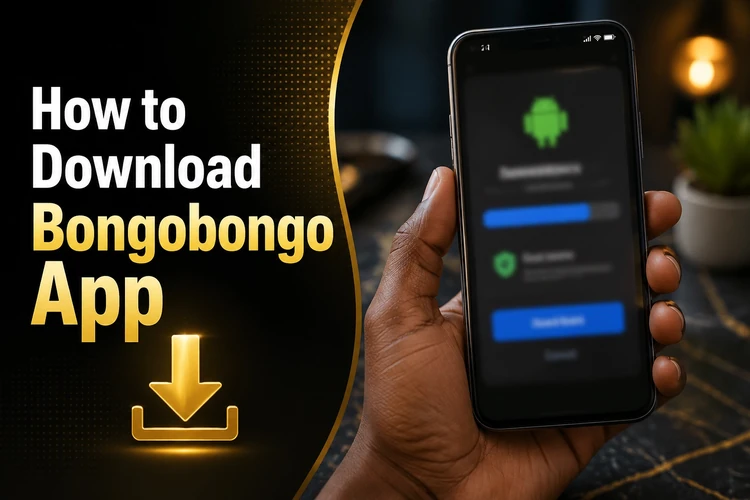
Open the official homepage in your mobile browser, find the Android download button, and wait for the file to finish downloading. The file size can vary, so use Wi-Fi or a stable mobile connection when possible. Do not use a file shared by an unknown person or a third-party download site.
- Check that the phone has enough free storage and a compatible Android version.
- Download the APK from the official site.
- Open the file from the browser notification or the Downloads folder.
- Allow installation from that browser when Android requests permission.
- Complete the installation, then open the app and review its permissions.
Bongobongo APK Installation Guide
An APK is the package file used to install an Android application outside an app store. After downloading it, open the file manager, select the file in Downloads, and follow the installer instructions. Android may direct you to Settings to allow installs from the browser or file manager used for the download.
Grant only the permissions needed for the app to function, and return the unknown-source setting to its previous state after installation if you do not regularly install APK files. If the installer stops, check the Android version, available storage, and whether an older or damaged copy is already installed. Removing a damaged installation may be necessary, but confirm that your account details are available before doing so.
Download Latest Version
Keeping the app updated can provide bug fixes, compatibility changes, and security improvements. When an update notice appears, compare the information on the official download page with the version shown in the app's About or settings area.
Install the new file over the existing application unless the instructions specifically require another process. In most cases, account access and saved preferences remain in place, but an update is not a substitute for keeping your password and recovery phone number current. Avoid interrupting the installation or deleting the APK before the update has finished.
Registration in Bongobongo App
Open the application and choose the registration option on the welcome screen. The form may request a mobile number, email address, password, and personal details. Enter information accurately and use a password that is not shared with another service.
- Enter the requested contact and account details.
- Review the terms and any account conditions before submitting the form.
- Complete phone or email verification if prompted.
- Finish any identity or profile checks required before withdrawals.
A registration number or account identifier may appear in the profile area, depending on the account setup. Keep it private, just as you would protect your password and verification codes. Accurate personal details can prevent delays if the platform later asks you to confirm ownership of the account.
Login to Bongobongo App
Existing users can open the app and enter the mobile number or email connected to the account together with the password. The separate login page is useful when you are using a browser or cannot open the application.
If you cannot remember the password, use the recovery option on the login screen and follow the instructions sent to the registered contact method. Check the phone number, keyboard language, and character case before trying again. Repeated failed attempts can trigger a temporary security block, so do not continue guessing.
For a persistent error, check the connection, update the app, and clear its cache rather than its stored data. Biometric access can be convenient on supported devices, but keep the main password in a secure place. Never share a one-time code with another person claiming to be support.
Main Features
The sportsbook includes common markets for football, basketball, tennis, and other sports. Pre-match selections may include match outcomes, totals, and handicaps. Live betting shows markets that change during an event, so read the current price and any confirmation message before placing a bet.

The casino area may contain slots, table games, and live dealer content. Available titles and providers can change, so check the game information displayed before playing. Filters can help narrow the list, while the account area normally contains deposit, withdrawal, transaction, and bet-history tools.
Review the stake, odds, applicable limits, and payment details before confirming an action. A history screen is useful for checking settled bets and transactions, but it should not replace your own spending record. Responsible-gambling controls, including deposit limits or breaks where available, can be managed through responsible gambling tools.
Mobile Performance
Performance depends on the device, connection, and number of background applications running. Closing unused apps, keeping free storage available, and installing system updates can improve responsiveness. Wi-Fi or a strong 4G connection is preferable for live video and rapidly changing markets.
On a slower connection, text and essential account data may load before images. If the network drops, do not assume that a wager or payment was completed; check the bet slip, balance, or transaction history after reconnecting. Clearing cached files can recover storage without necessarily removing account data, although the exact Android menu varies by manufacturer.
Security
Use only the official website or a source you can verify when obtaining the APK. Third-party files may be modified and can expose login details or payment information. Android security warnings should not be ignored simply to complete an installation.
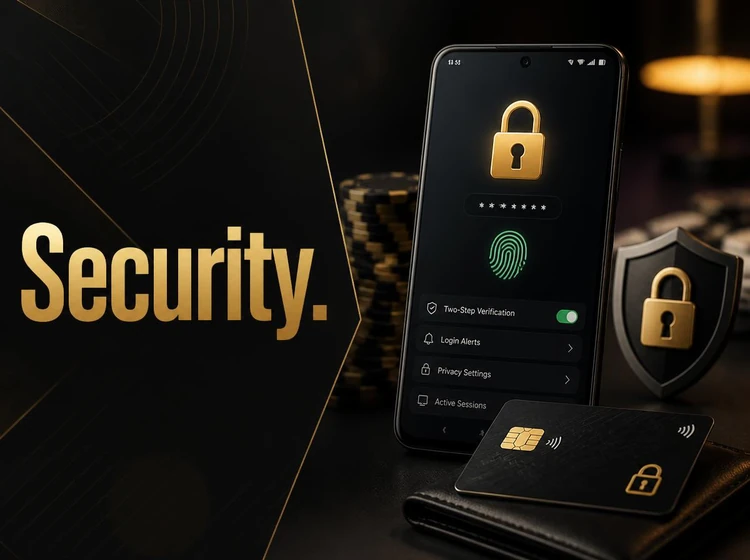
Protect the account with a unique password, a screen lock, and any additional verification options offered in the security settings. Do not save credentials on a shared phone, and sign out before handing the device to another person. Keep the phone number used for recovery active and protected.
Updates can address compatibility and security issues, so install them from the official source. If you notice an unfamiliar transaction, login alert, or change to your profile, secure the account immediately and contact customer support through the verified contact channel. Gambling should be treated as entertainment, not a way to cover bills or recover losses.
Frequently Asked Questions
Open the official Bongobongo website on an Android device and use its download control. After the APK finishes downloading, allow installation from that browser when Android requests it, then open the file and follow the installer steps.
The draft information describes distribution through an official APK rather than Google Play. Use the official website for the current installation file and avoid APK files from unknown sources.
The draft specifies Android 5.0 or newer. Compatibility can vary by device, so check the phone's About section and keep enough free storage for the application and future updates.
Use the update notice in the application or compare the version shown in its settings with the version on the official download page. Download the newer APK and install it over the existing application unless the instructions say otherwise.
Yes. Select the registration option, complete the requested contact and personal details, accept the applicable conditions, and complete the verification step sent to your registered phone or email.
Use the recovery option on the login screen and follow the instructions sent to the contact method linked to the account. If the message does not arrive, check the number, connection, and spam or blocked-message settings before contacting support.